Product Specifications
Power Supply
AC90-220V, 50/60HZ
Output Power
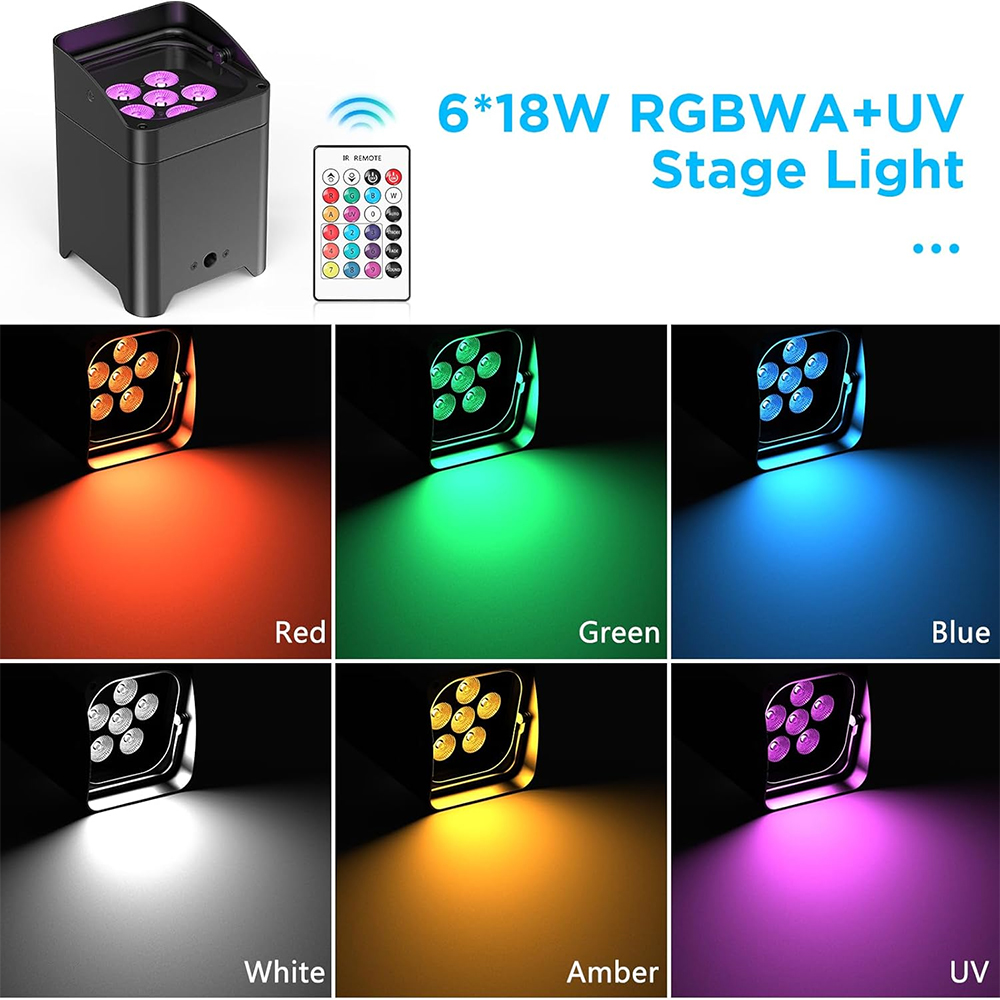
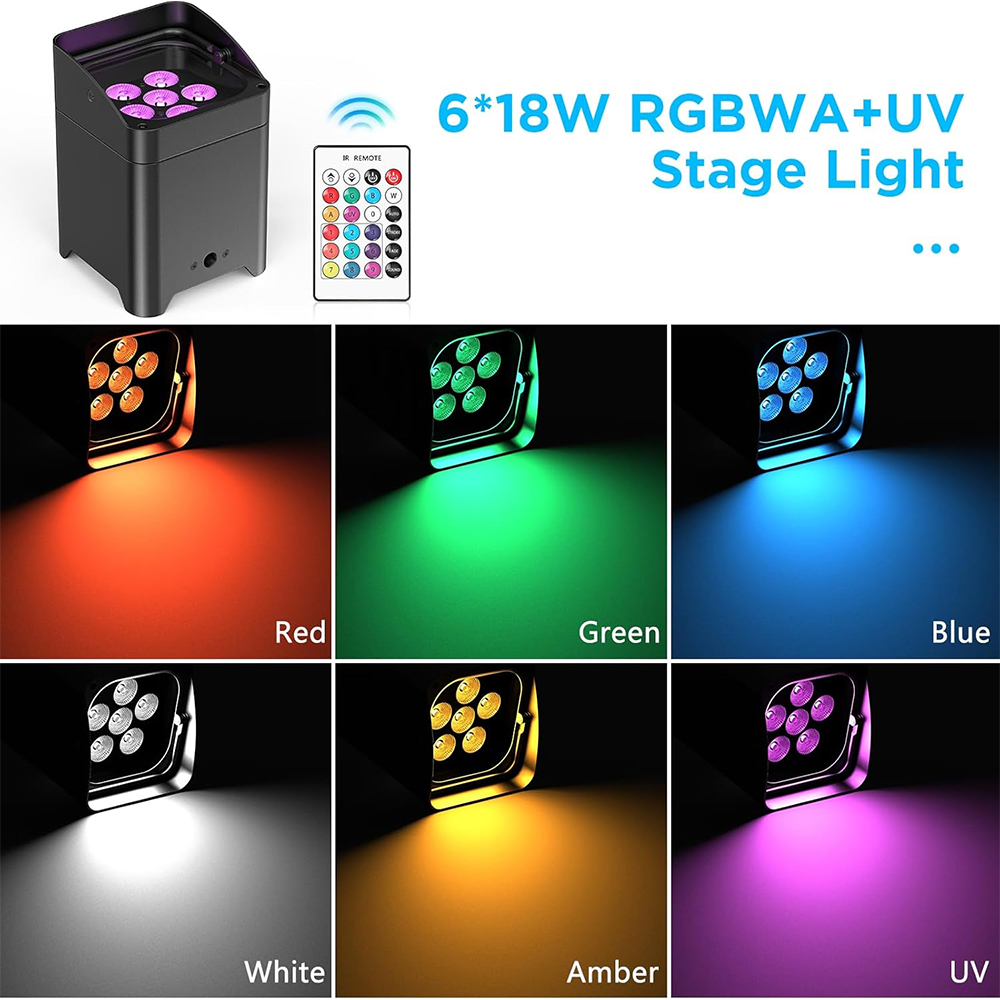
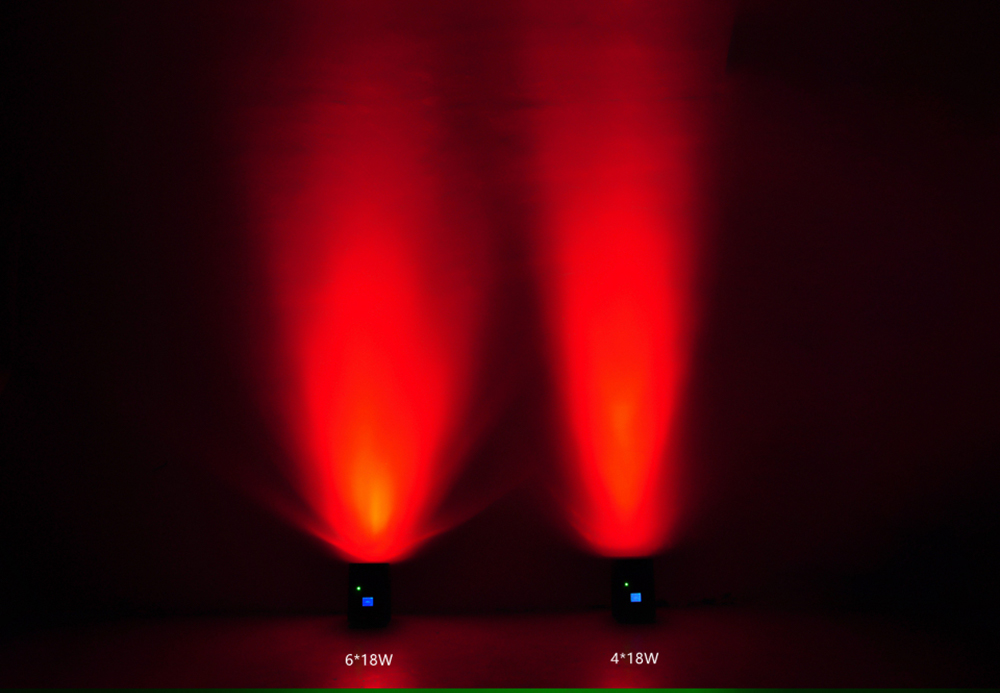
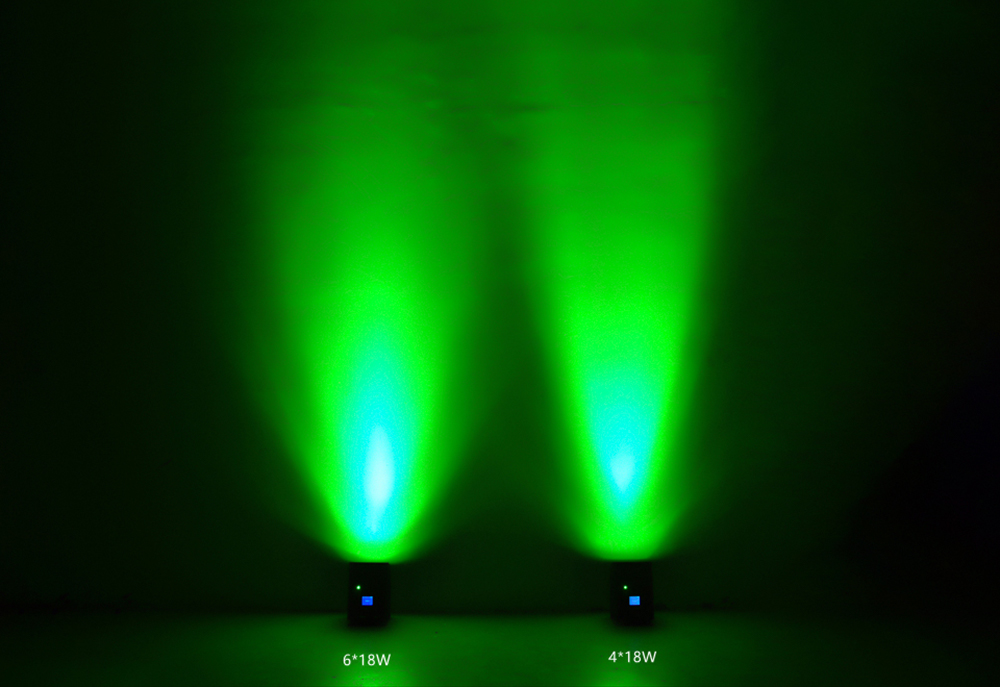
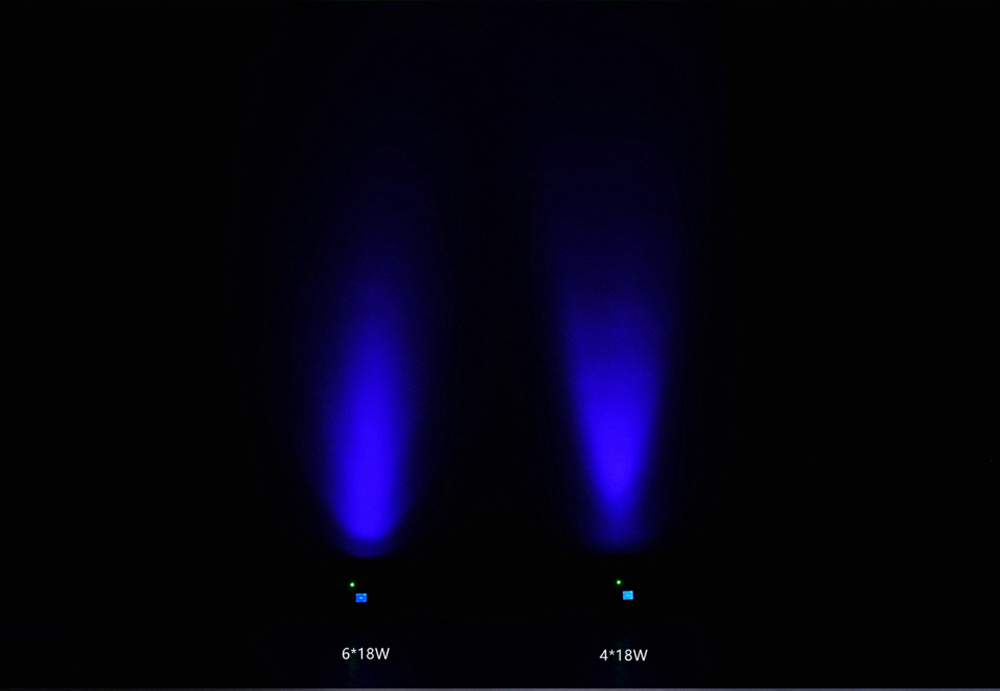
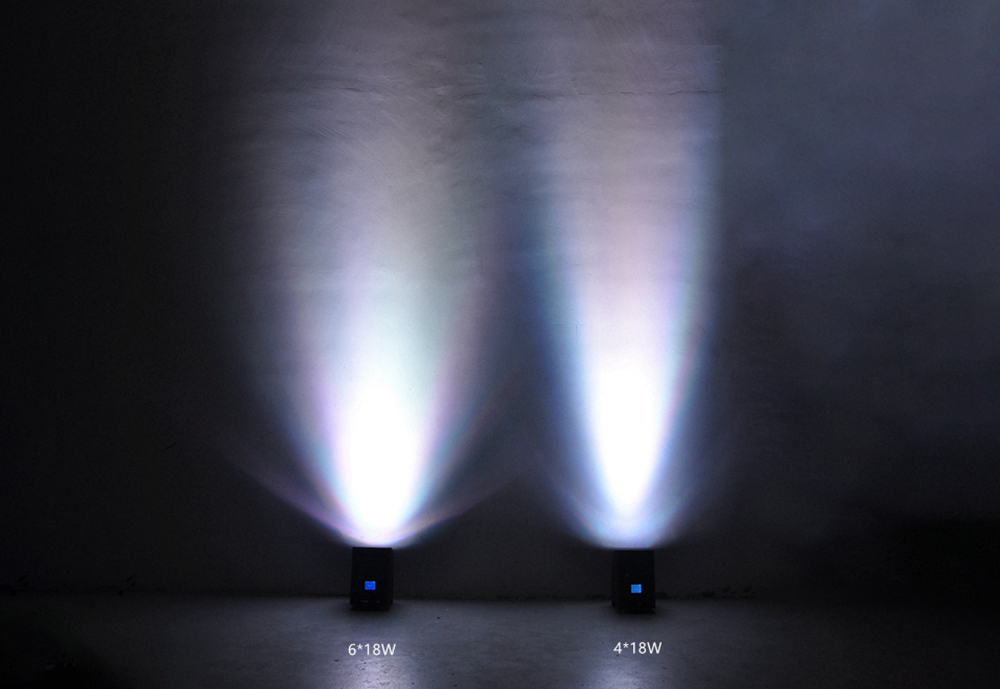
6x18W
Light Source
RGBWA UV 6-in-1 Color Mixing
Control Mode
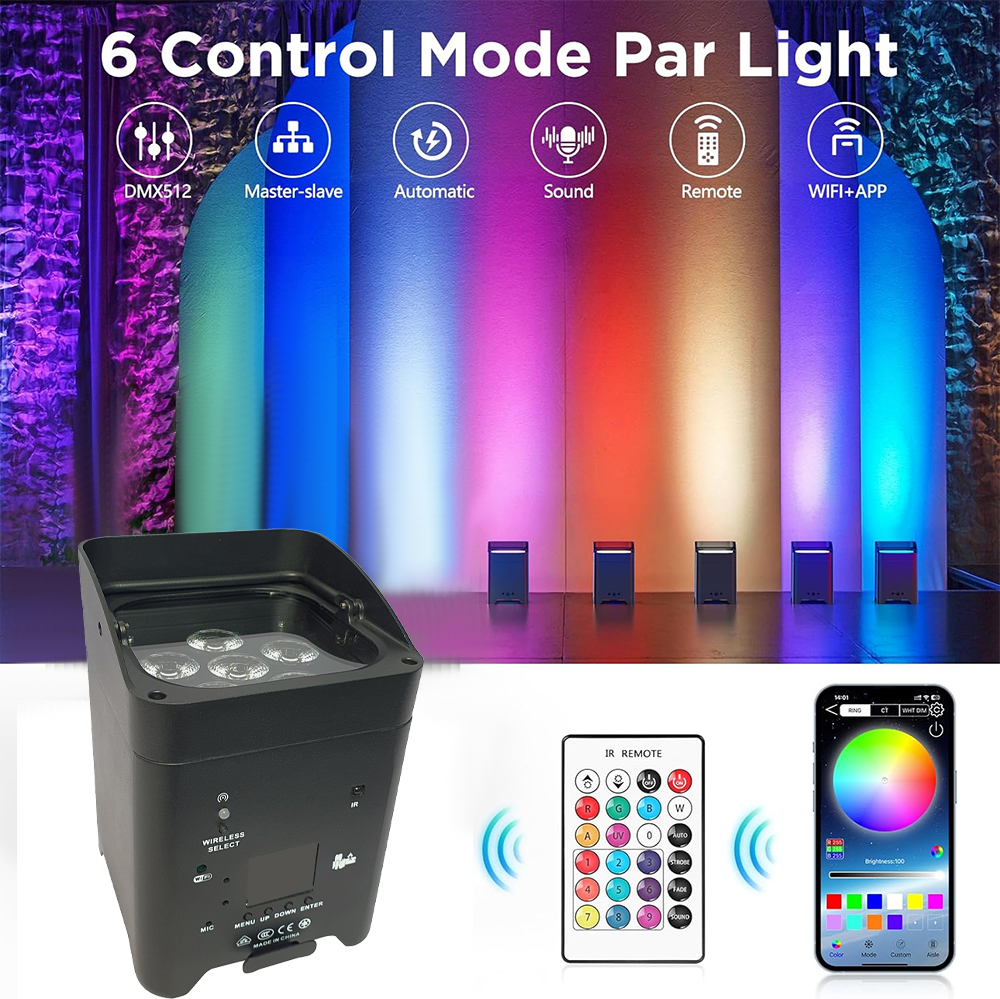
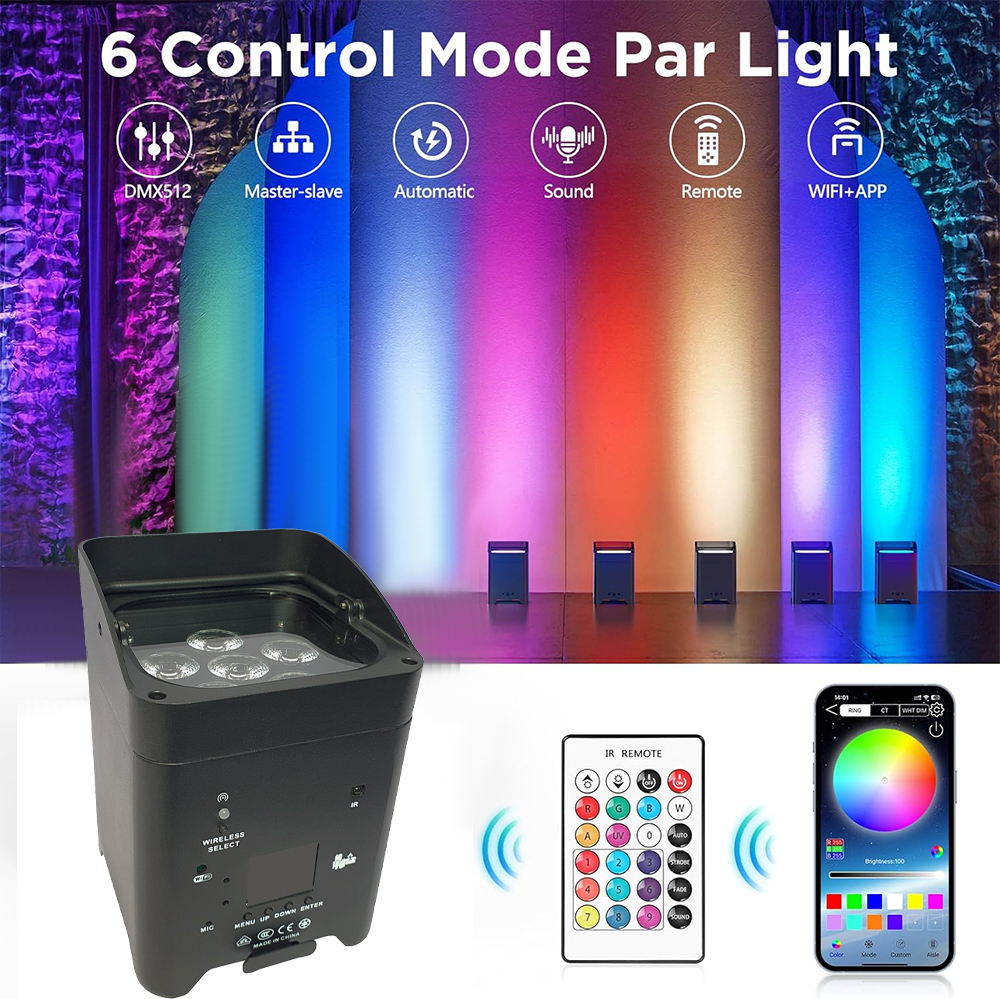
WIFI / Remote Control / DMX512
WIFI Signal Distance
Barrier-free 17m
Remote Control Distance
Barrier-free 10m
Charging Time
7-8 Hours
Battery Capacity
8800 mAh
Channel Options
6/10 CH
Special Function
RDM Address Code Debugging
Strobe Speed
20 Hz
WIFI Frequency
2.4G WIFI
Material
Cast Aluminum Housing
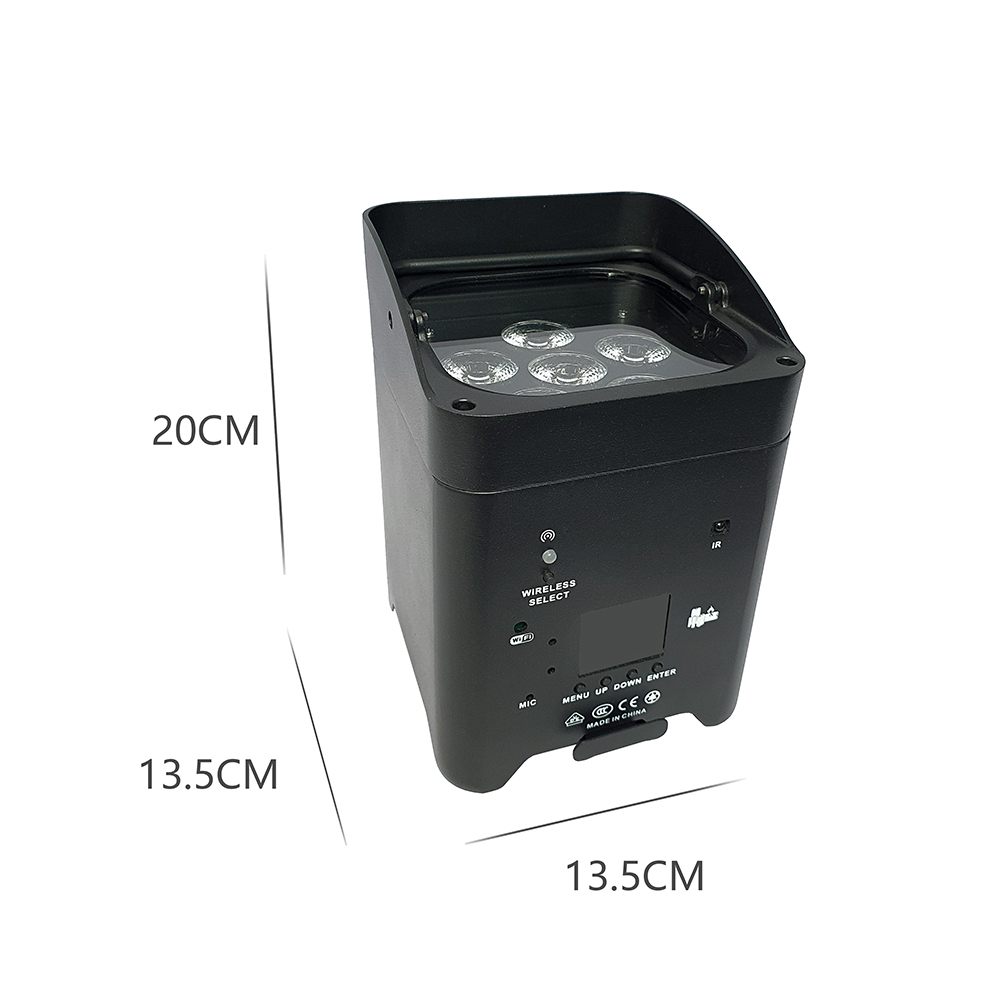
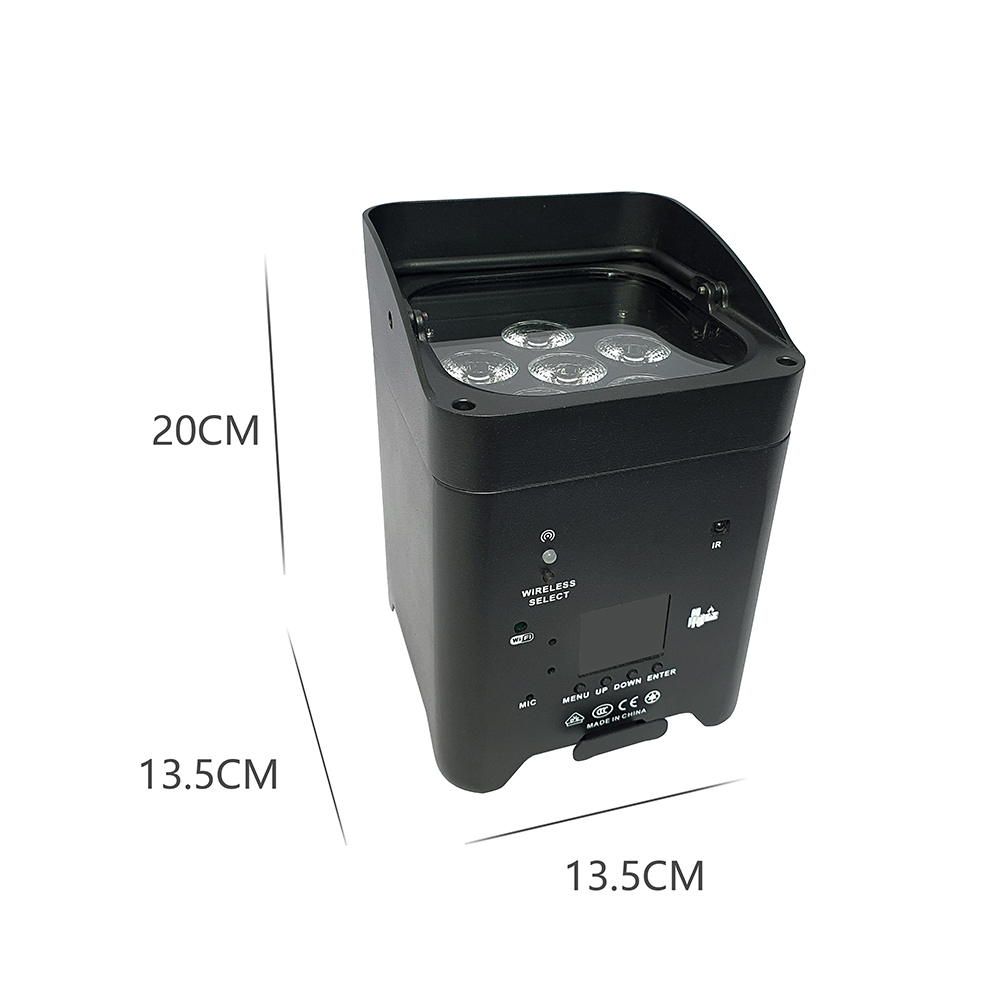
Product Size
13.5x13.5x20 cm
Product Weight
2.35 kg
🔋 Charging Instructions
When charging with the power cord, the battery voltage may reach 18V and display 100% charge. However, it is not fully charged because the battery requires 18V voltage for pulsed charging. Although the display shows 100%, when the power cord is disconnected and the light source is turned on, due to the high power consumption of the light source, the battery is not fully charged. The battery output does not reach 18V, so it displays a different charge level. The battery display requires data support. New batteries have weaker performance and cannot accurately record or identify this data. Please ensure charging exceeds 4 hours. For new batteries, we recommend charging for over 8 hours during initial use to ensure proper activation. Even when showing 100%, the charging icon will continue to indicate charging status. It will only stop flashing when the battery is truly fully charged.
📶 WiFi Connection Guide
The light fixture cannot connect to the internet. It only provides a Wi-Fi network. Your phone must disconnect from the internet, connect to the light fixture's Wi-Fi, and remain connected to this light fixture's Wi-Fi (your phone cannot access the internet).
- First, enter HELP mode on the display screen. Press the confirmation button, then press Next. It will display a WiFi QR code. Use your phone to scan, download, and install the app.
- After successful installation, select SHOW mode on the display screen. Press the confirmation button. On the display screen, select Step 5: WiFi Model mode. Press confirmation. On your phone, locate and connect to the light fixture's WiFi network. Then open the app to begin using it.
Frequently Asked Questions
Can I control the light fixtures without using signal cables?
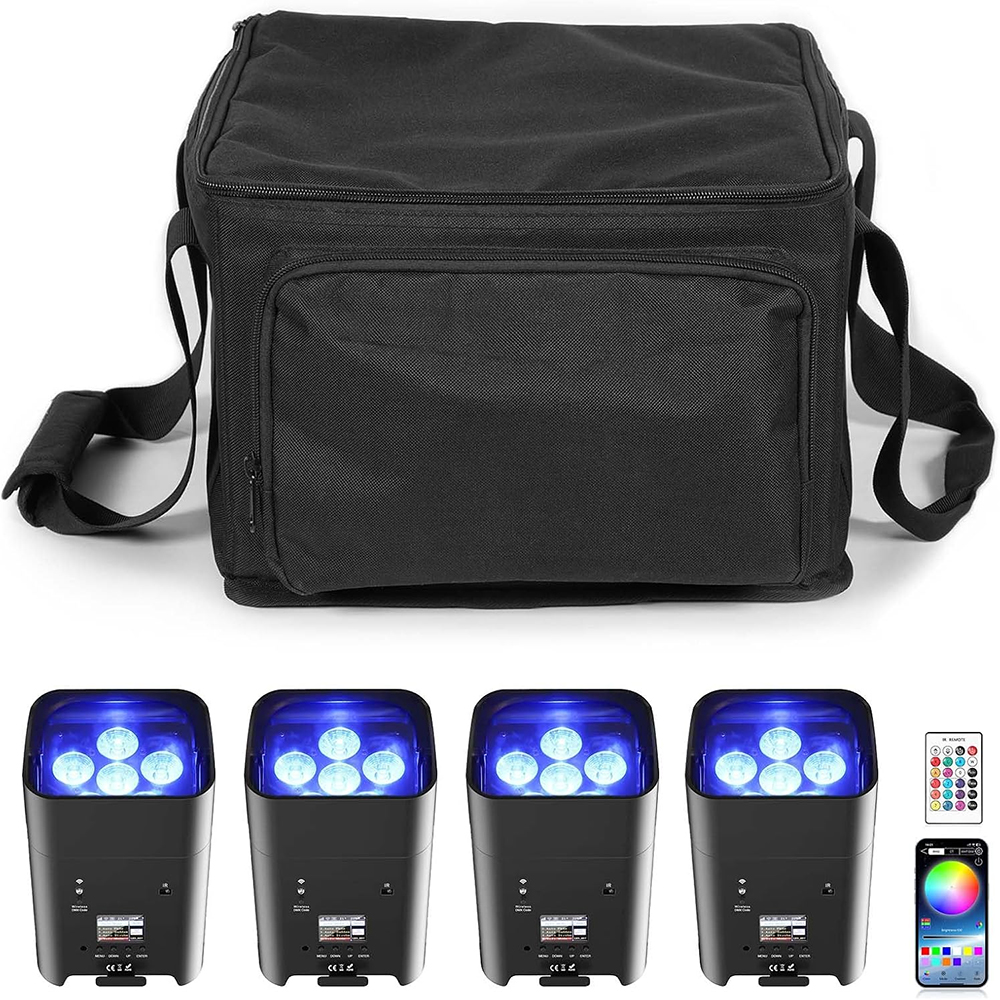
Yes, you can control the fixtures wirelessly using either a compatible DMX512 wireless transmitter, the included remote controls (which synchronize automatically), or via the mobile app interface.
Why does the battery display drop immediately after showing 100%?
The battery requires pulsed charging at 18V, which might display as 100% capacity temporarily. Once the light source is activated, high power draw may reveal the actual charge. For new batteries, charge for at least 8 hours to format and activate the battery indicator correctly.
Does the WiFi connection provide internet access to my phone?
No, the fixture only provides a local Wi-Fi signal specifically for app control. While connected to the fixture's WiFi, your phone will not have active internet access.
How long does it take to charge, and what is the battery capacity?
The lights features an 8800 mAh battery capacity, requiring approximately 7 to 8 hours for a full charge (at least 8 hours is recommended for the initial charges).
What are the range limits for WiFi and remote control?
Under barrier-free conditions, the WiFi control signal reaches up to 17 meters, while the remote control signal operates effectively up to 10 meters.
 Alterra Lighting